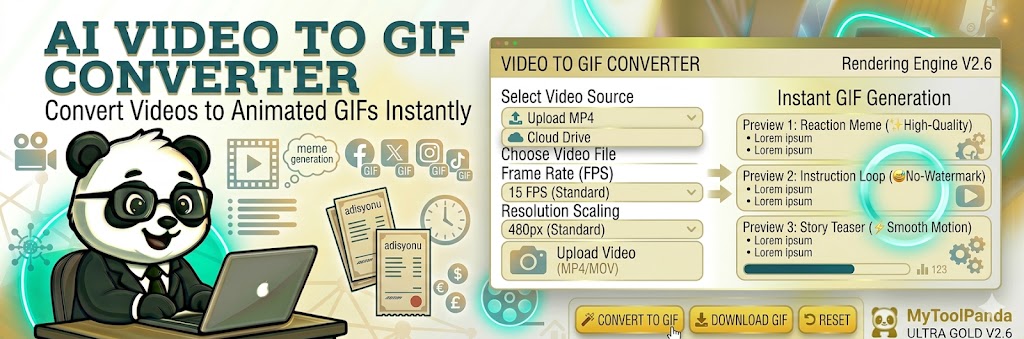
The Art of the Loop: Why GIFs Still Dominate
In the attention economy, every second counts. While long-form videos are great, the Graphics Interchange Format (GIF) remains the king of quick communication. Our Professional Video to GIF Converter bridge the gap between heavy video files and lightweight, shareable animations. Whether you are creating a reaction meme for Twitter, an instructional loop for a blog, or a teaser for an email campaign, a well-optimized GIF is your best tool.
How to Create High-Quality GIFs Without the Bulk?
Size matters in web performance. A 10MB GIF can slow down your page, hurting your SEO rankings. MyToolPanda’s Rendering Engine V2.6 allows you to balance quality and file size. By adjusting the Frame Rate (FPS) and Resolution, you can create GIFs that look professional but load instantly. According to Google Web Dev, replacing heavy GIFs with modern video formats or optimized GIF loops can improve Largest Contentful Paint (LCP) scores by up to 40%.
Pro Insight: The 15 FPS Sweet Spot
Most viral memes use a frame rate of 10-15 FPS. This provides a clear enough motion for the human eye while keeping the file size remarkably small. If you’re creating a cinematic loop, 24 FPS is better, but be prepared for a larger file!